Start here4 min read6 steps
Your first star trails tonight
Set the phone down, point it at the sky, tap once. Wake up to star trails.
What you need
- Trailium installed on your phone
- A tripod, or anything steady to rest the phone on
- A clear night, away from bright lights if you can
- A charged battery (a power bank helps for long nights)
Step 1/6
Open Capture
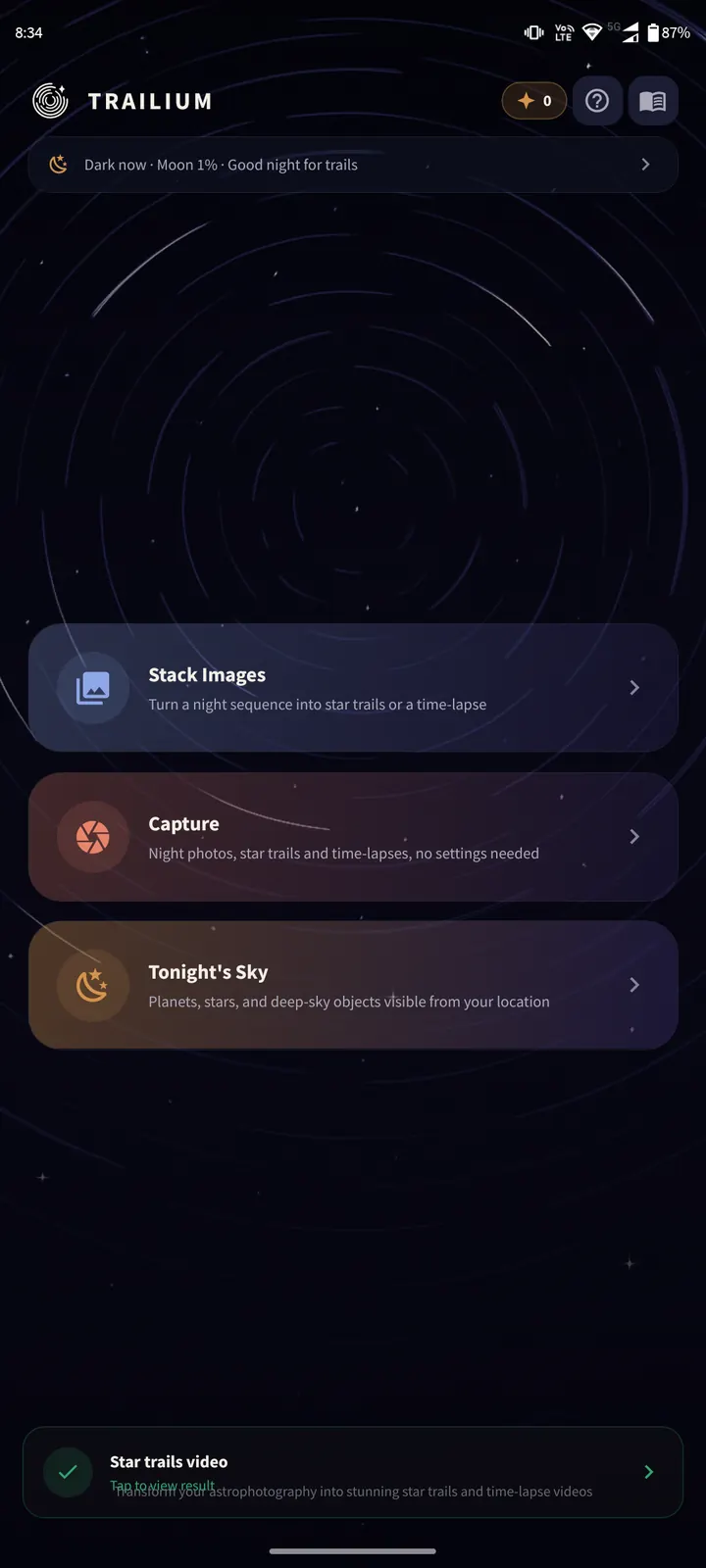
On the Trailium home screen, tap "Capture".
The strip at the top tells you how tonight looks, for example "Dark now · Moon 1% · Good night for trails".
Step 2/6
Pick Night
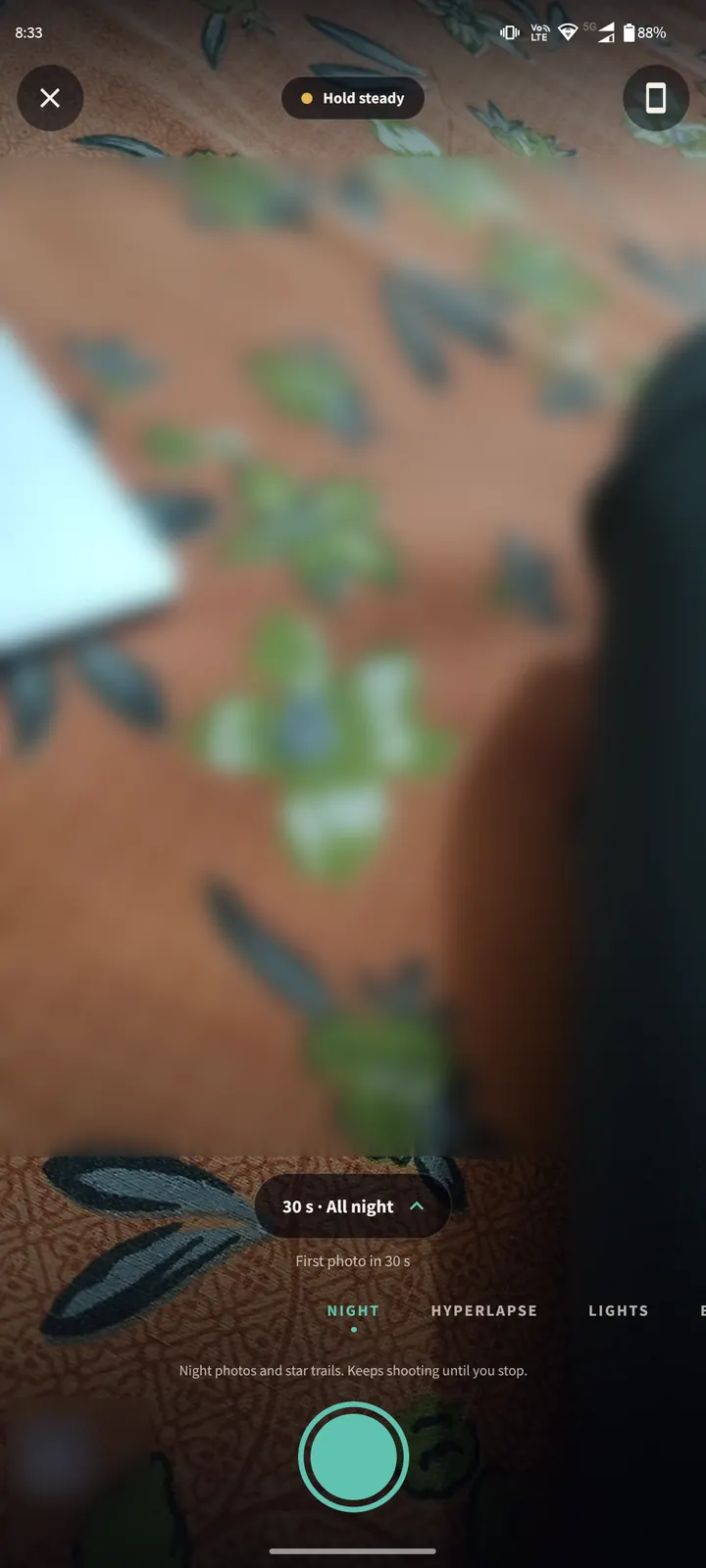
Swipe the row of mode names above the big round button until "NIGHT" is in the middle.
Night takes a stream of photos and merges them into clean night photos. The longer it runs, the longer the star trails grow.
There is no ISO, focus or shutter speed to set. Trailium handles all of it.
Step 3/6
Check the plan
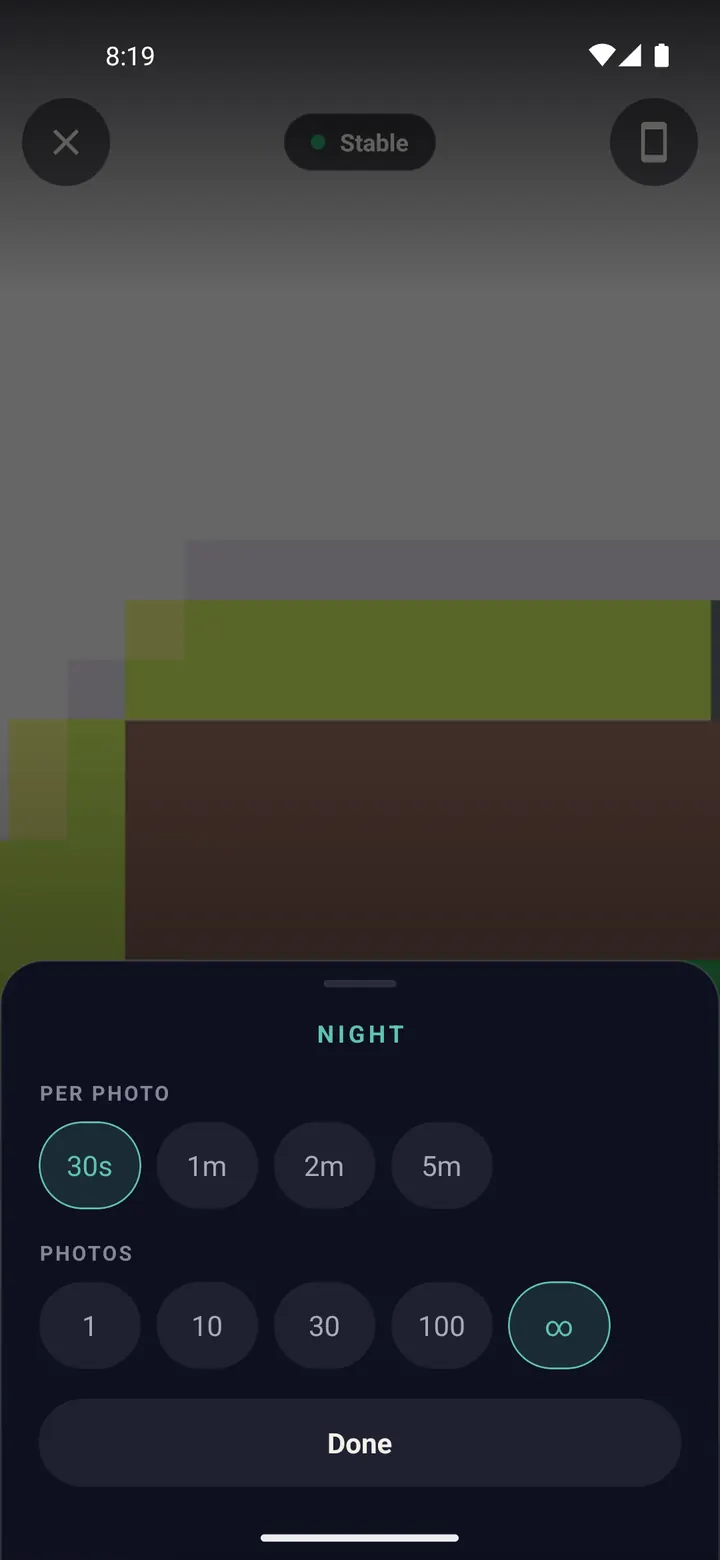
The pill above the mode names shows the plan, for example "30 s · All night". Tap it to change it.
"Per photo" is how long each finished photo collects light. 30 s is a good start.
"Photos" is how many to take. Choose the infinity sign to keep going until you stop.
Tap "Done".
Step 4/6
Set the phone down and aim
Put the phone on a tripod or rest it on something solid, like a wall, a car roof or a bag of rice.
Point it at the part of the sky you want. Include a tree, a roof or a hill at the bottom: a foreground makes star trails look far better.
Wait until the pill at the top says "Stable". If it says "Hold steady", the phone is still moving.
Point north (or south in the southern hemisphere) to get circles around the pole star.
Step 5/6
Tap the shutter and walk away
Tap the big round button. A short countdown lets the phone settle, then shooting starts.
After a while the screen dims to save battery. A touch only wakes it; it does not stop the session.
Leave it running for at least 30 minutes. One to three hours gives long, dramatic trails.
Turn on airplane mode. A call or a buzzing notification can shake the phone and blur the photos.
Step 6/6
Stop and find your photos
Tap the shutter again to stop.
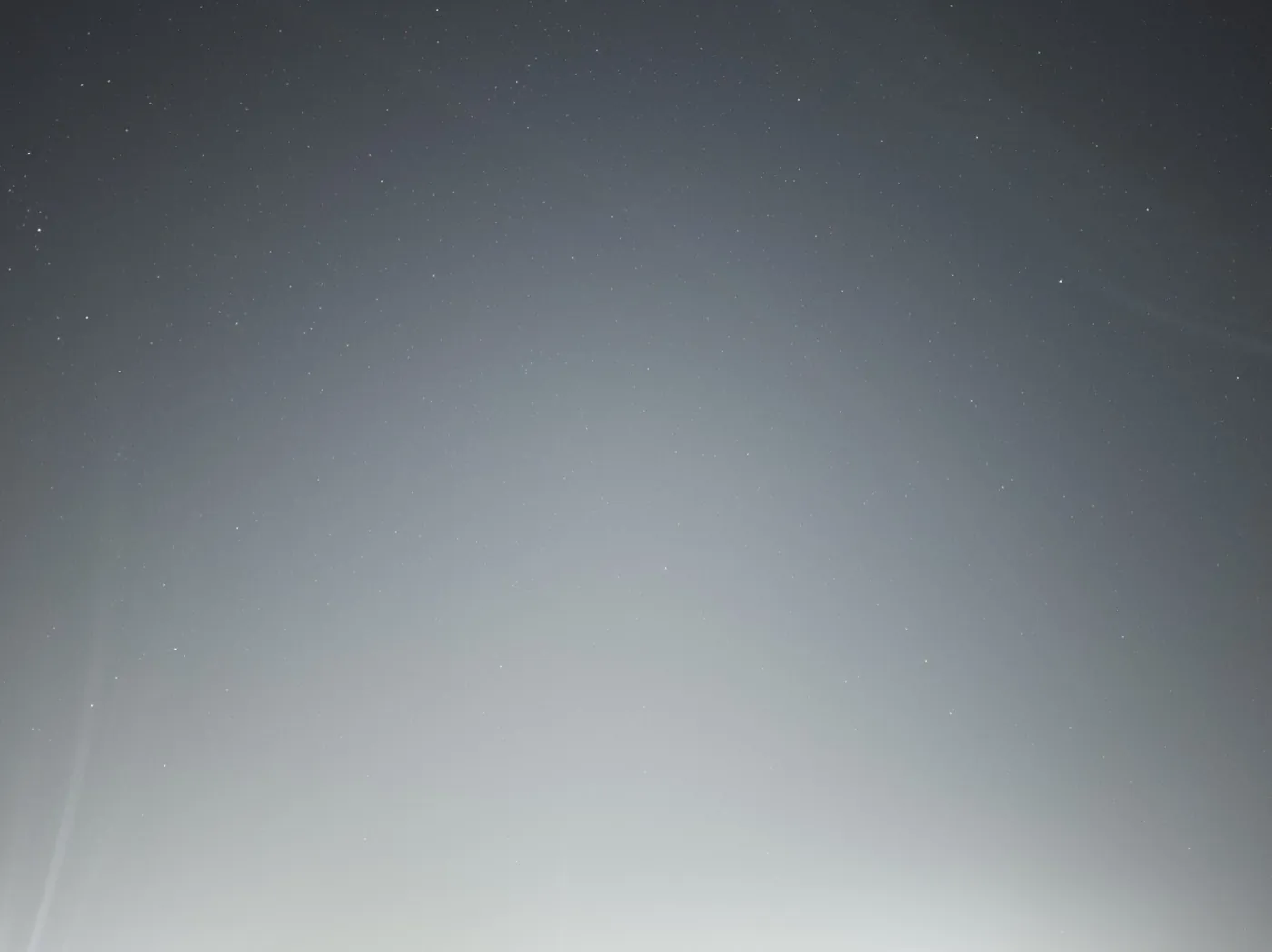
Every finished photo is already saved in the Trailium album in your gallery. Night also builds the star trails image and a time-lapse of the session for you.
One photo 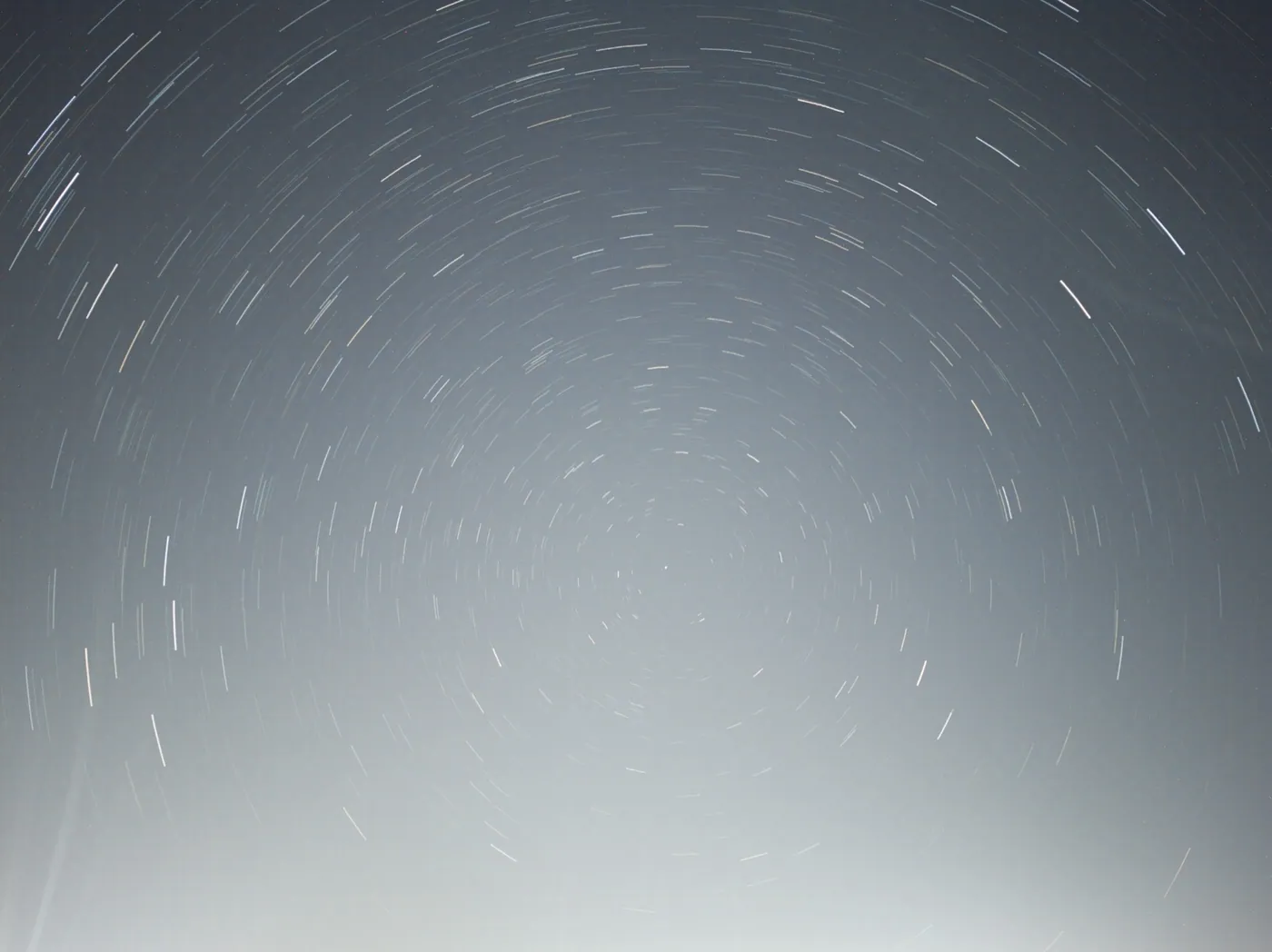
Star trails
Done? Try next
Shoot at night
Night mode in detail
ReadCreate from your photos
Turn photos you already have into star trails
ReadTips and fixes
Tips and troubleshooting
ReadSomething here does not match your screen? Tell us and we will fix the guide.