Create from your photos5 min read6 steps
Turn photos you already have into star trails
Pick a night sequence from your gallery and get a star trails image in a few taps.
What you need
- A series of night photos taken from the same spot (a tripod), 20 or more is best
- JPEG, PNG or HEIF files. Your originals are never changed
Step 1/6
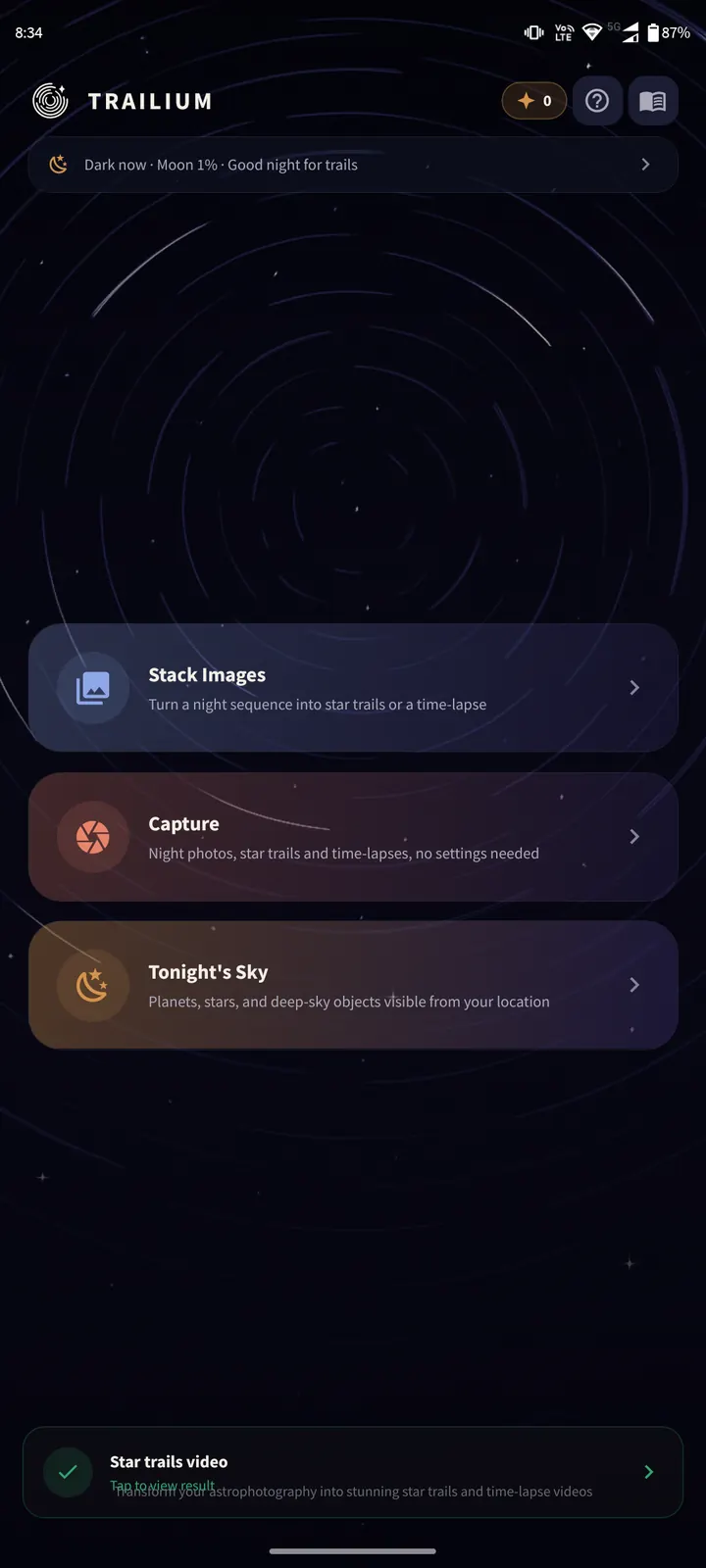
Tap Stack Images
On the home screen, tap "Stack Images". Your gallery opens.
You can also select photos in your Photos app, tap Share and choose Trailium.
Step 2/6
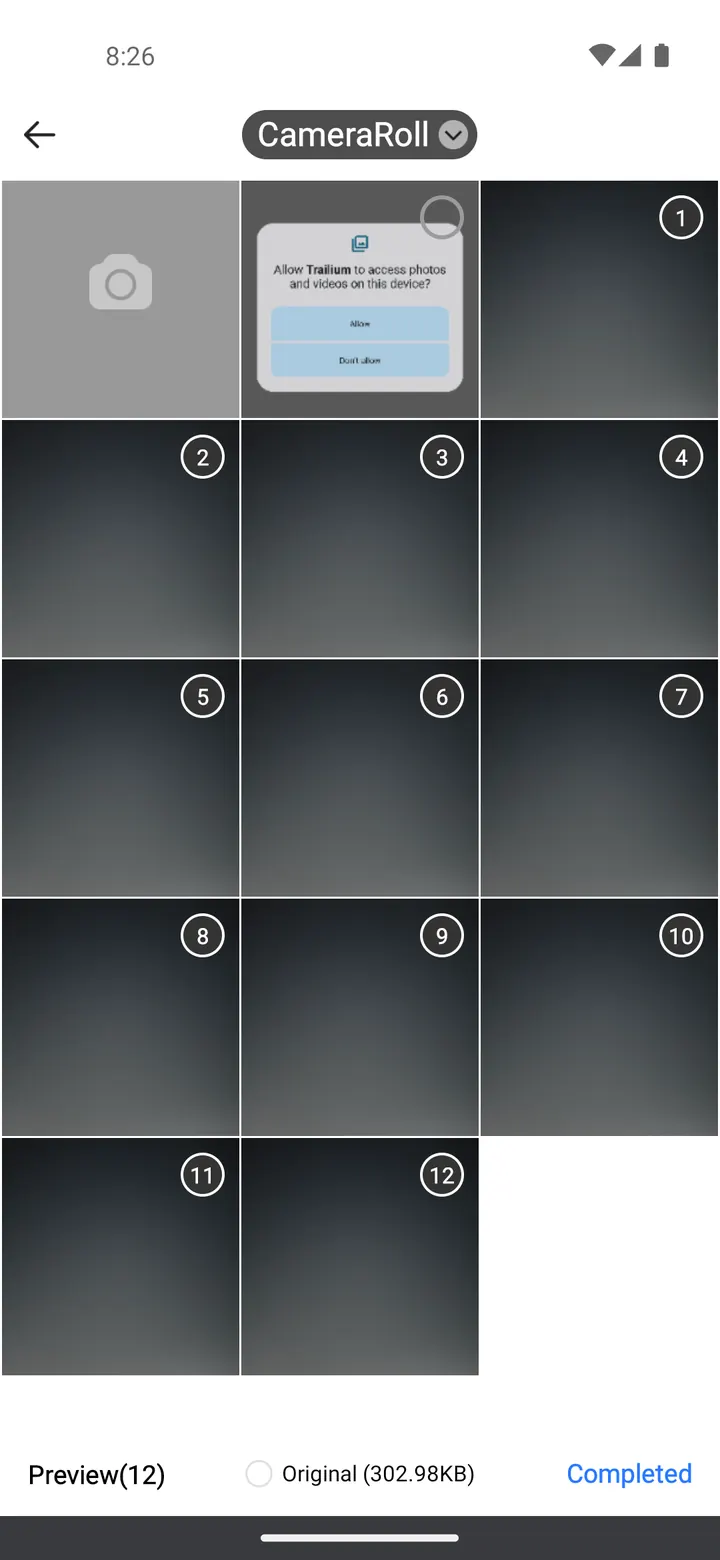
Select the whole sequence
Tap every photo of the night sequence, then confirm. You can pick hundreds at once.
All photos should come from the same camera position. Moving the camera between shots breaks the trails.
Step 3/6
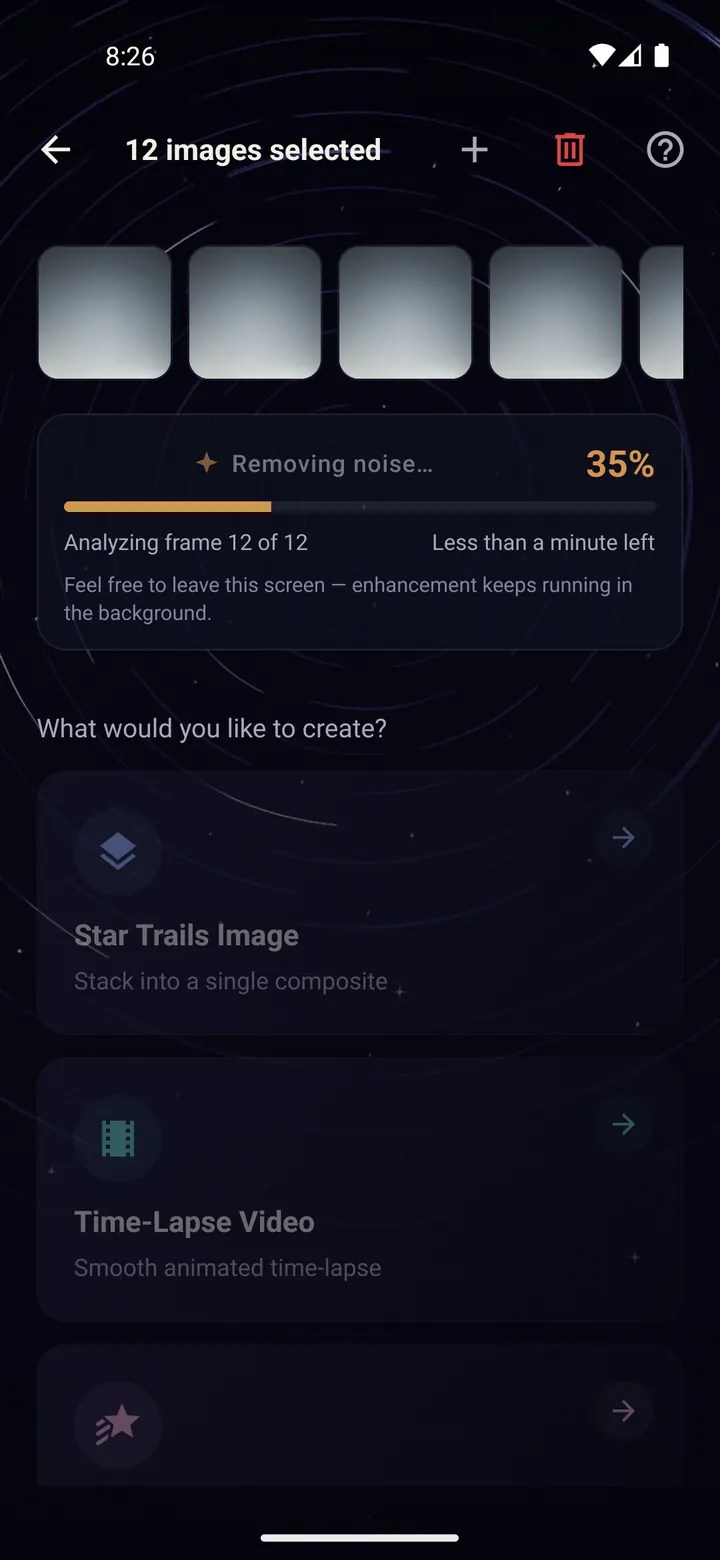
Let Trailium clean the frames
Trailium brightens the stars, cleans the sky and removes noise from every frame. You see the progress at the top.
You can leave this screen while it works. It keeps going in the background.
Step 4/6
Choose Star Trails Image
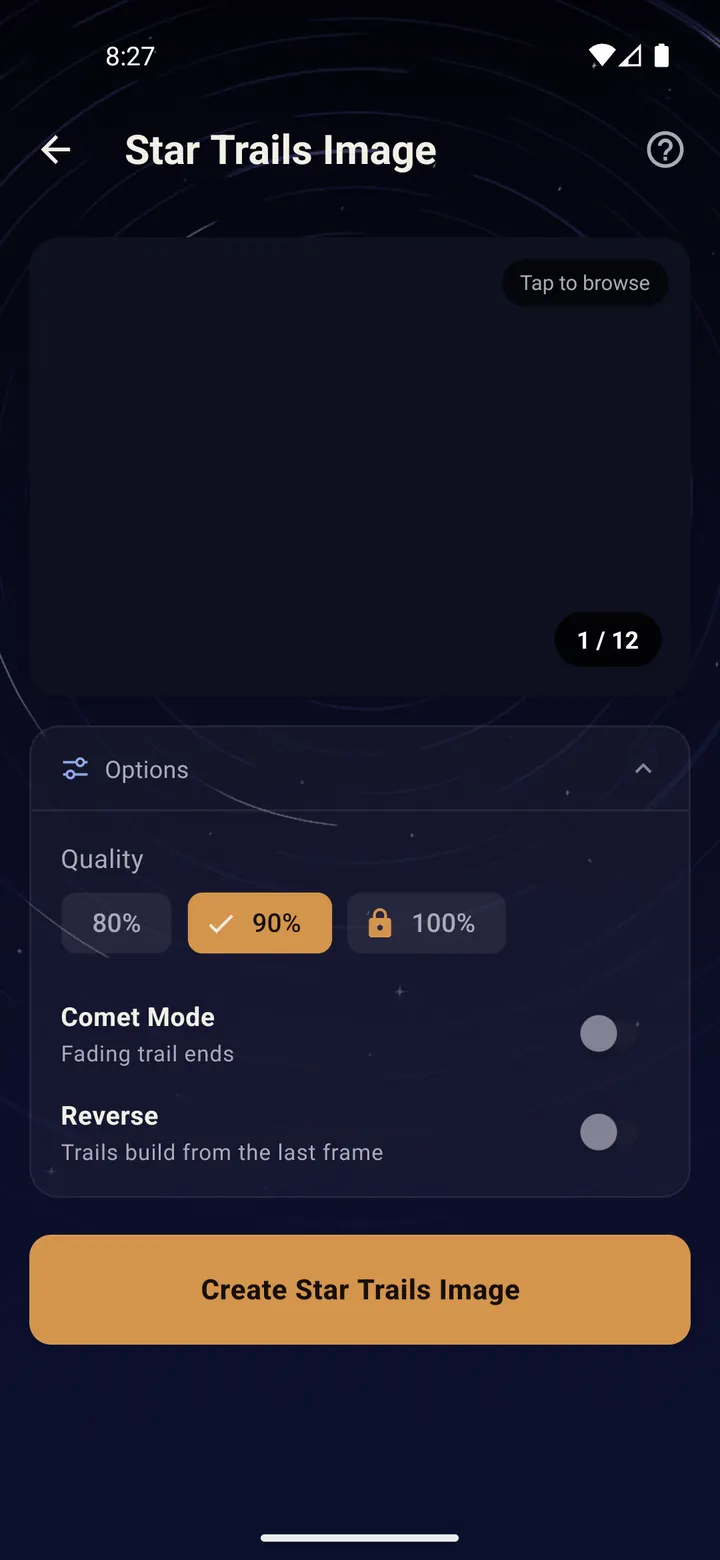
Under "What would you like to create?" tap "Star Trails Image".
Open "Options" to choose the quality. 80% and 90% are free; 100% unlocks with a short ad.
"Comet Mode" fades the end of each trail so the stars look like they are streaking. "Reverse" flips the direction of the fade.
Step 5/6
Create it
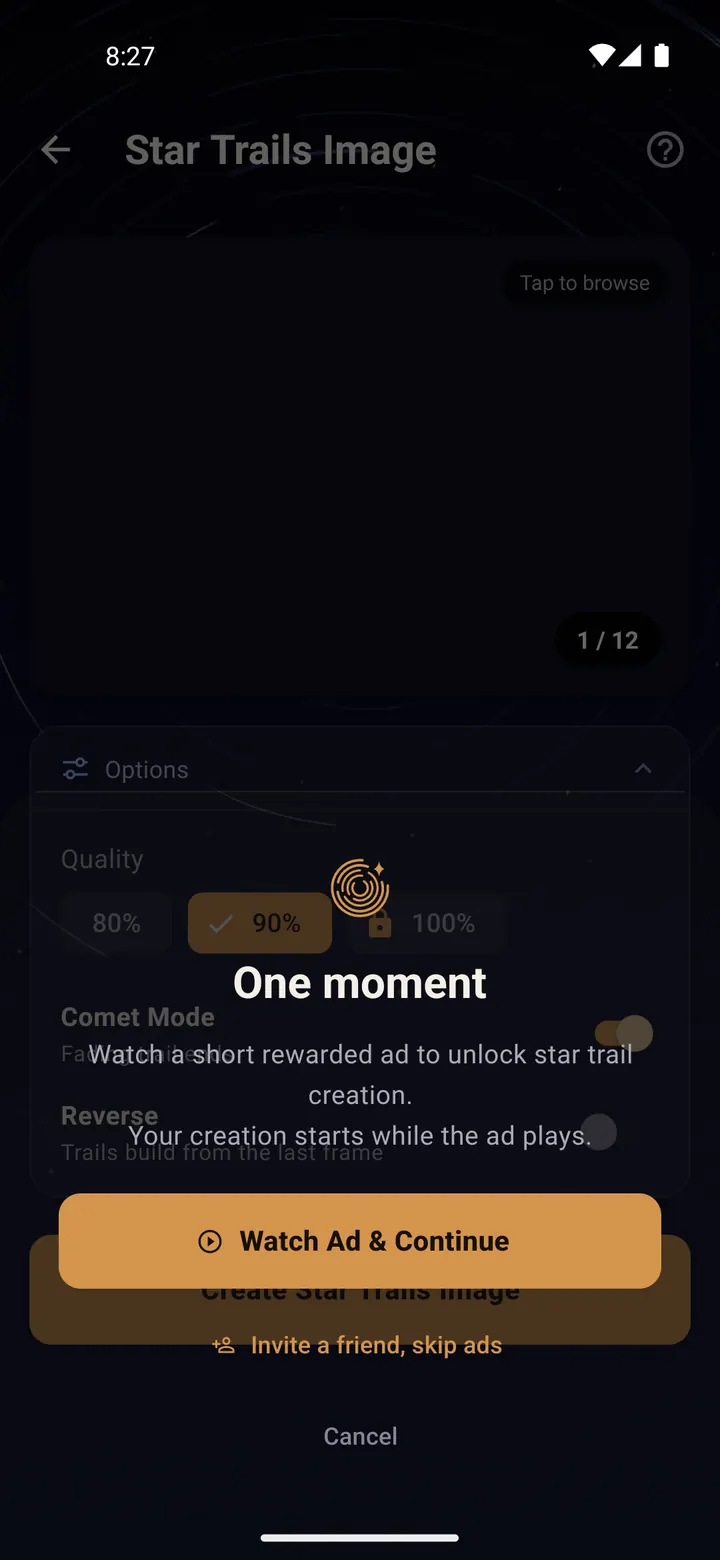
Tap "Create Star Trails Image".
Trailium is free. Some creations ask you to watch a short ad first, and your image starts processing while the ad plays, so no time is lost. You can skip ads with a Photon credit.
Step 6/6
Save and share
When it is done you get a notification. The image is saved in the Trailium album in your gallery.
Tap "Share result" to send it anywhere, or tap the info button to see how many frames went in and the total exposure.
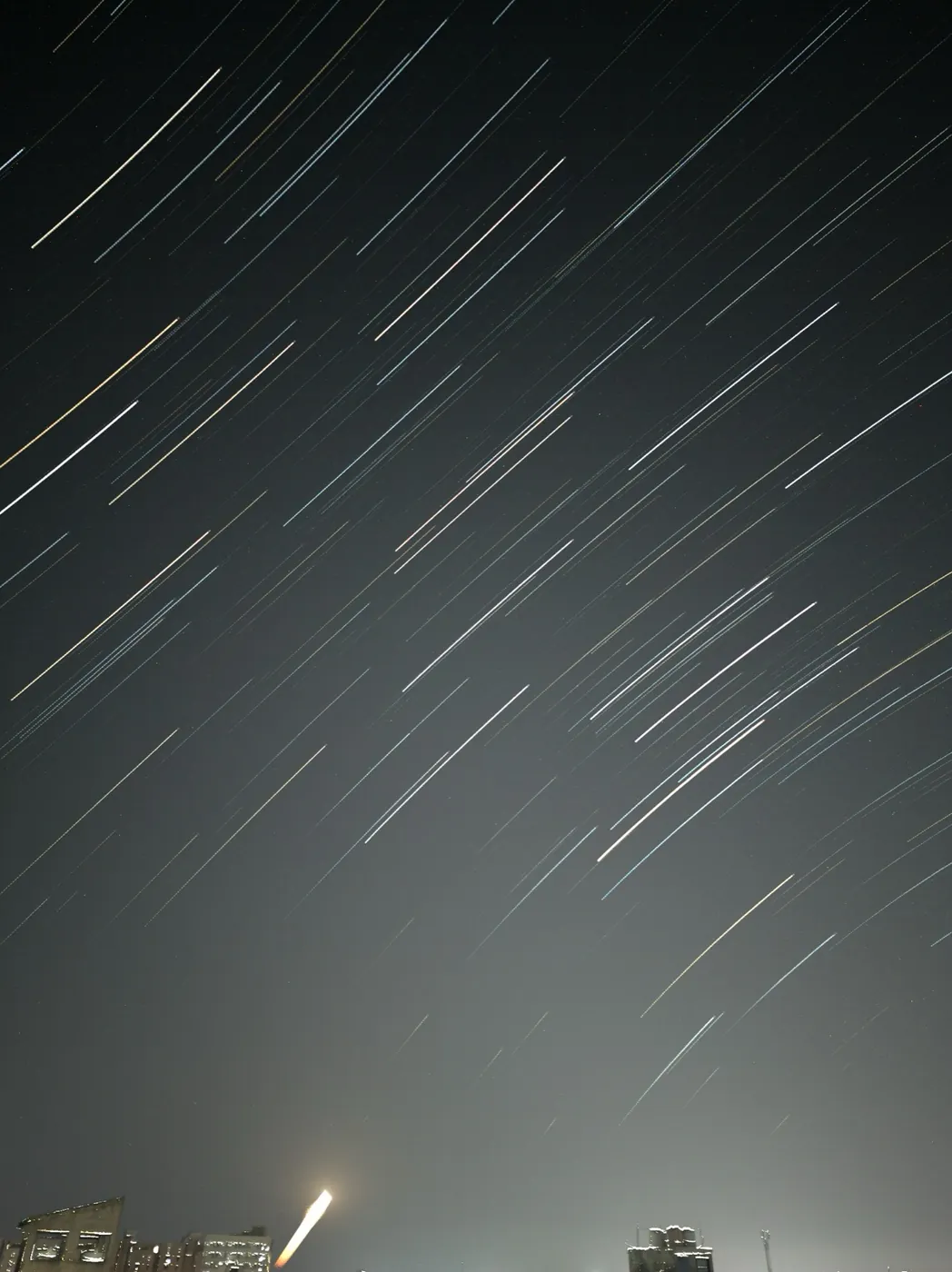
Star trails 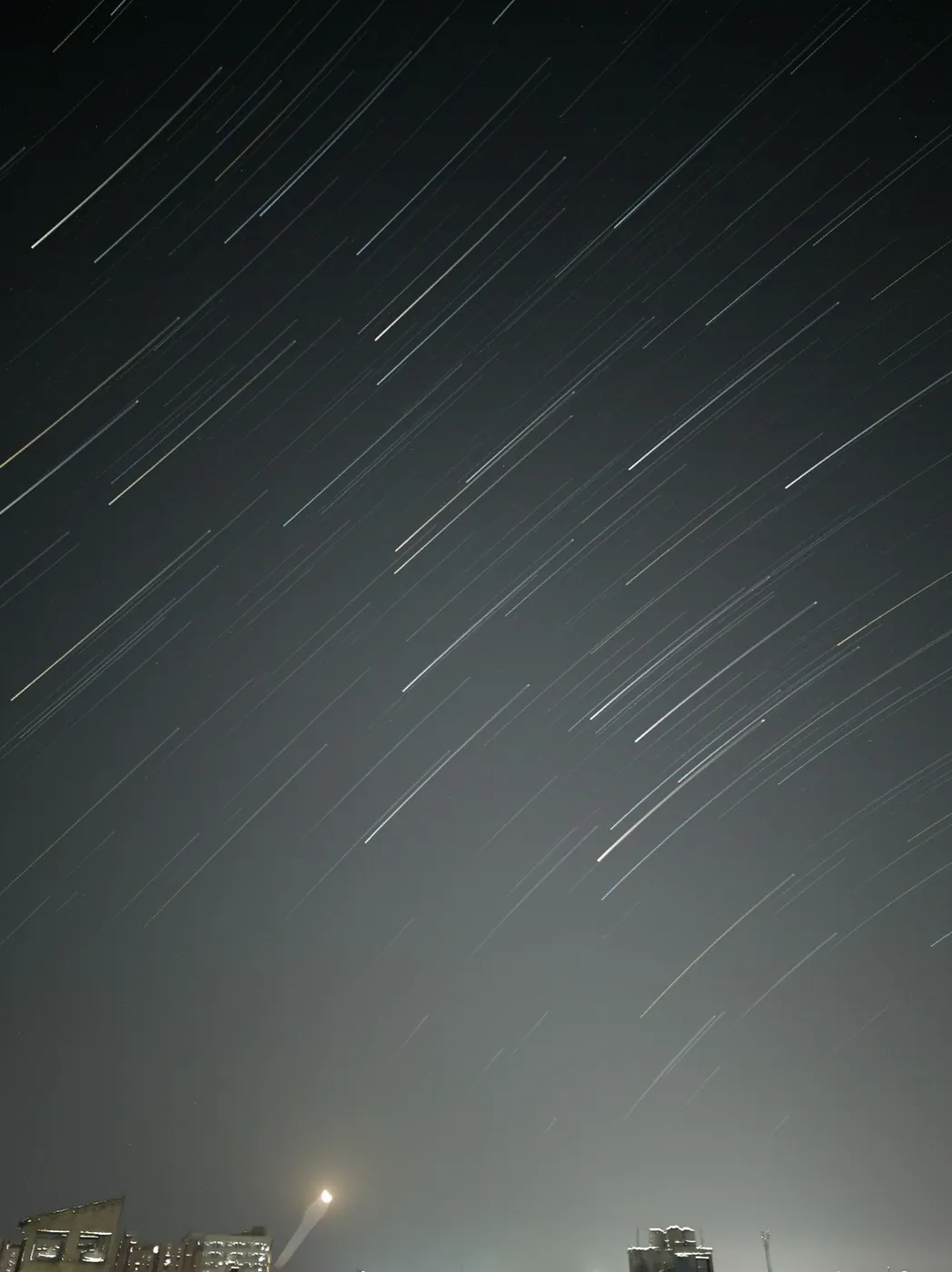
Comet mode
Done? Try next
Create from your photos
Time-lapse and star trails video
ReadCreate from your photos
Saving, sharing and the Showcase
ReadTips and fixes
Tips and troubleshooting
ReadSomething here does not match your screen? Tell us and we will fix the guide.