Create from your photos4 min read4 steps
Time-lapse and star trails video
Turn the same photos into a smooth time-lapse, or a video of the trails growing across the sky.
Step 1/4
Start from your selected photos
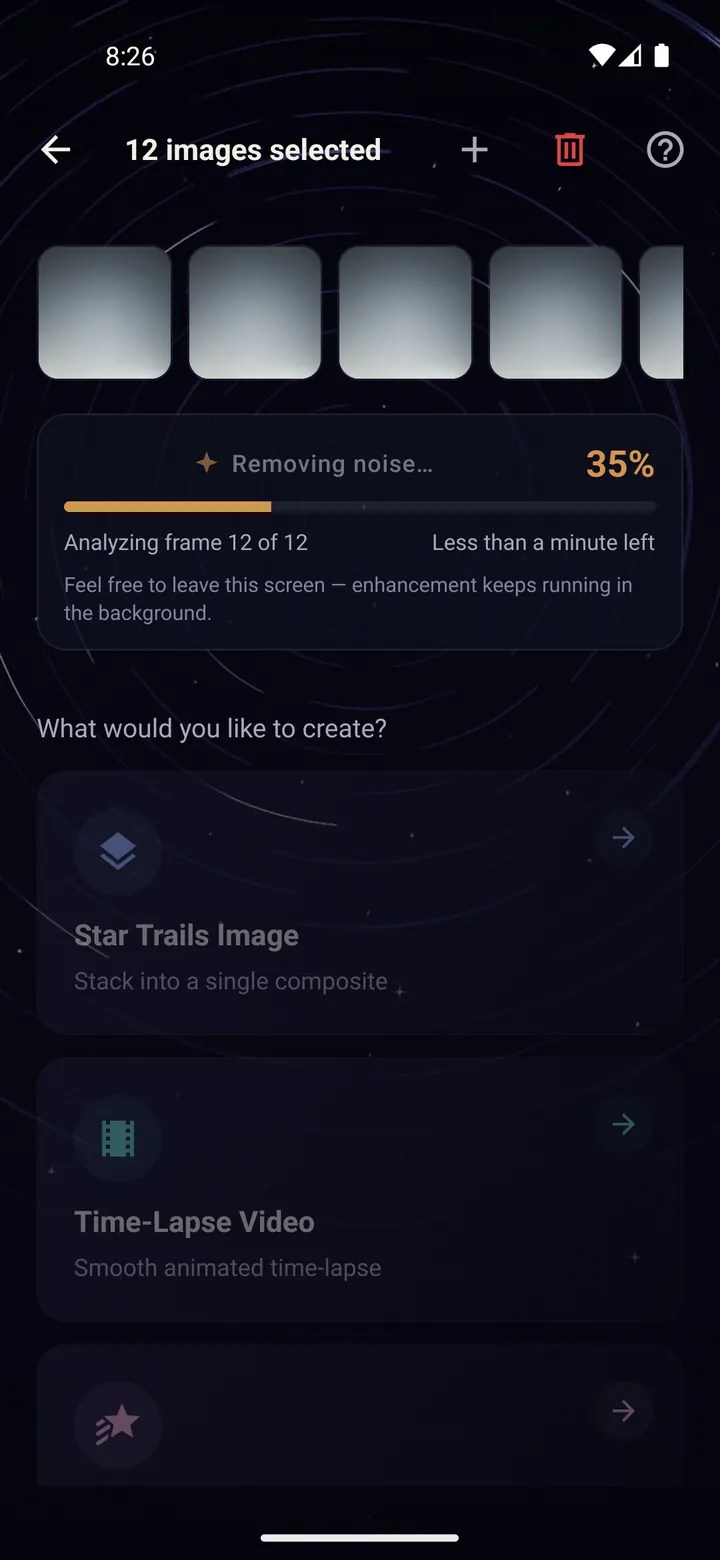
Pick your night sequence with "Stack Images" as in the previous guide.
On the screen with "What would you like to create?", scroll to the video options.
Step 2/4
Time-Lapse Video
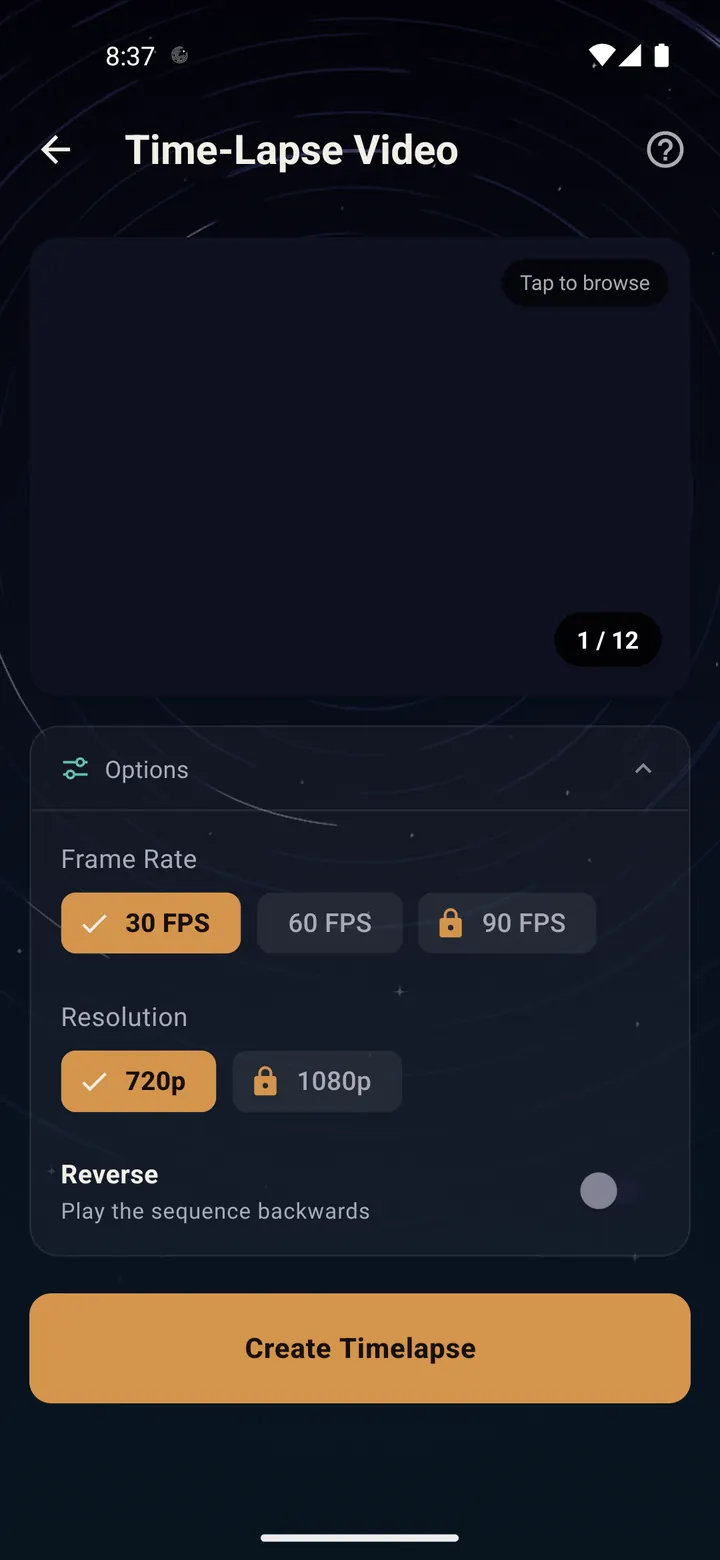
Tap "Time-Lapse Video". Each photo becomes one frame, so you see clouds drift and the sky turn.
30 FPS is smooth; 60 FPS is extra smooth. 720p is free; 1080p and 90 FPS unlock with a short ad.
"Reverse" plays the night backwards, which is great for loops.
At 30 FPS, 300 photos make a 10 second video. Fewer photos make a shorter video.
Step 3/4
Star Trails Video
Tap "Star Trails Video" for the trails drawing themselves across the sky, frame by frame.
Comet Mode lets older trails fade as new ones appear, so the sky seems to flow.
This one takes longer to make, because every frame is its own star trails image. The progress shows each stage.
Step 4/4
Find and share your video
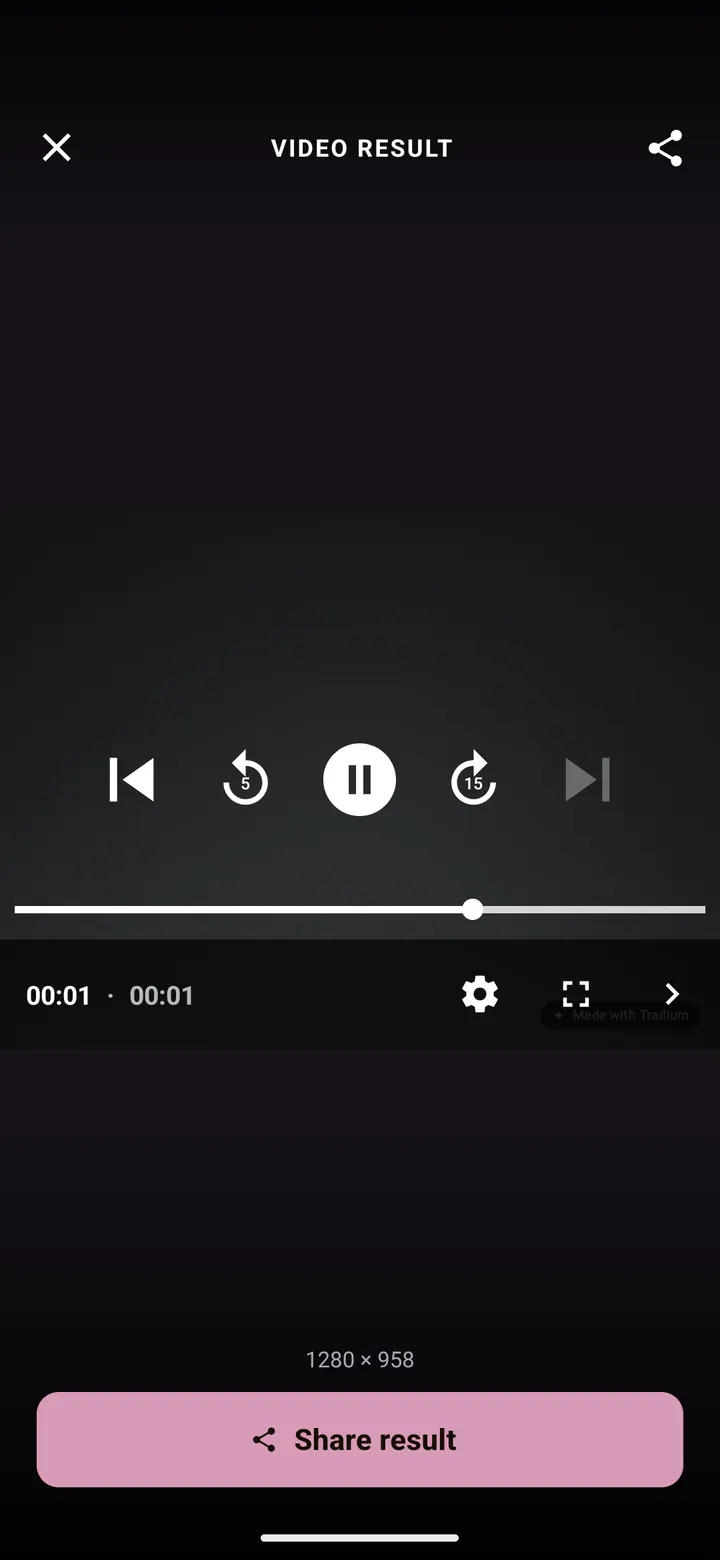
Videos save to the Trailium album like images. The floating progress pill takes you to the result when it is ready, even if you left the app.
Done? Try next
Create from your photos
Saving, sharing and the Showcase
ReadCreate from your photos
Turn photos you already have into star trails
ReadTips and fixes
Tips and troubleshooting
ReadSomething here does not match your screen? Tell us and we will fix the guide.