Shoot at night4 min read3 steps
Hyperlapse, Lights and Bulb
A night-long video, light trails from cars and fireworks, and one long exposure.
Step 1/3
Hyperlapse: the night as a short video
Hyperlapse uses the Night engine but turns every finished photo into one frame of a video. Leave the phone running and you get a smooth, short film of the sky turning.
Pick the speed and length in the options pill. Faster speeds squeeze more of the night into each second. You can switch star trails on so they grow through the video.
Step 2/3
Lights: trails from moving lights
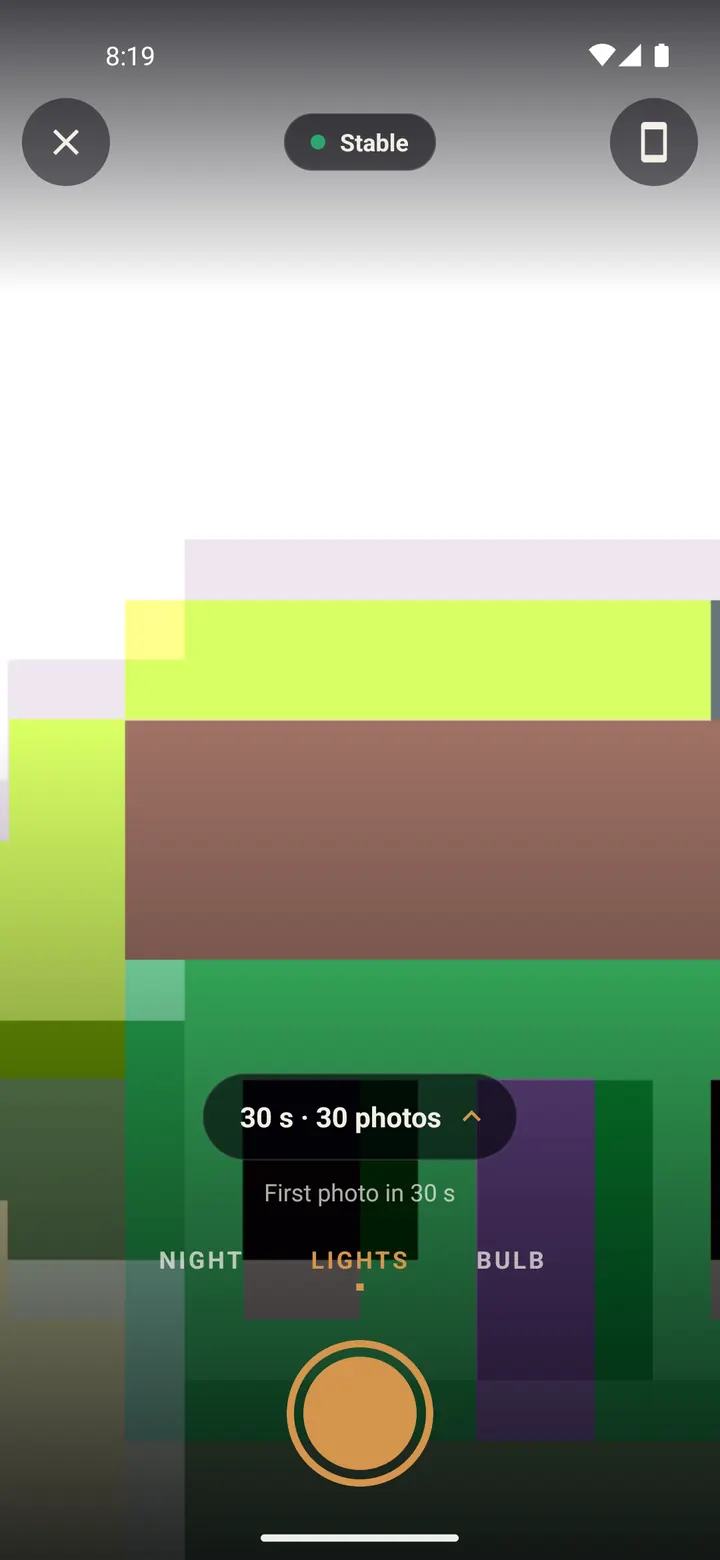
Swipe to "LIGHTS" for car light trails, torches, fireworks and city lights. It works any time the lights are moving, so try it before it gets dark.
Tap the options pill to set how long each photo collects light and how many photos to take, for example "30 s · 30 photos".
Step 3/3
Bulb: one long exposure
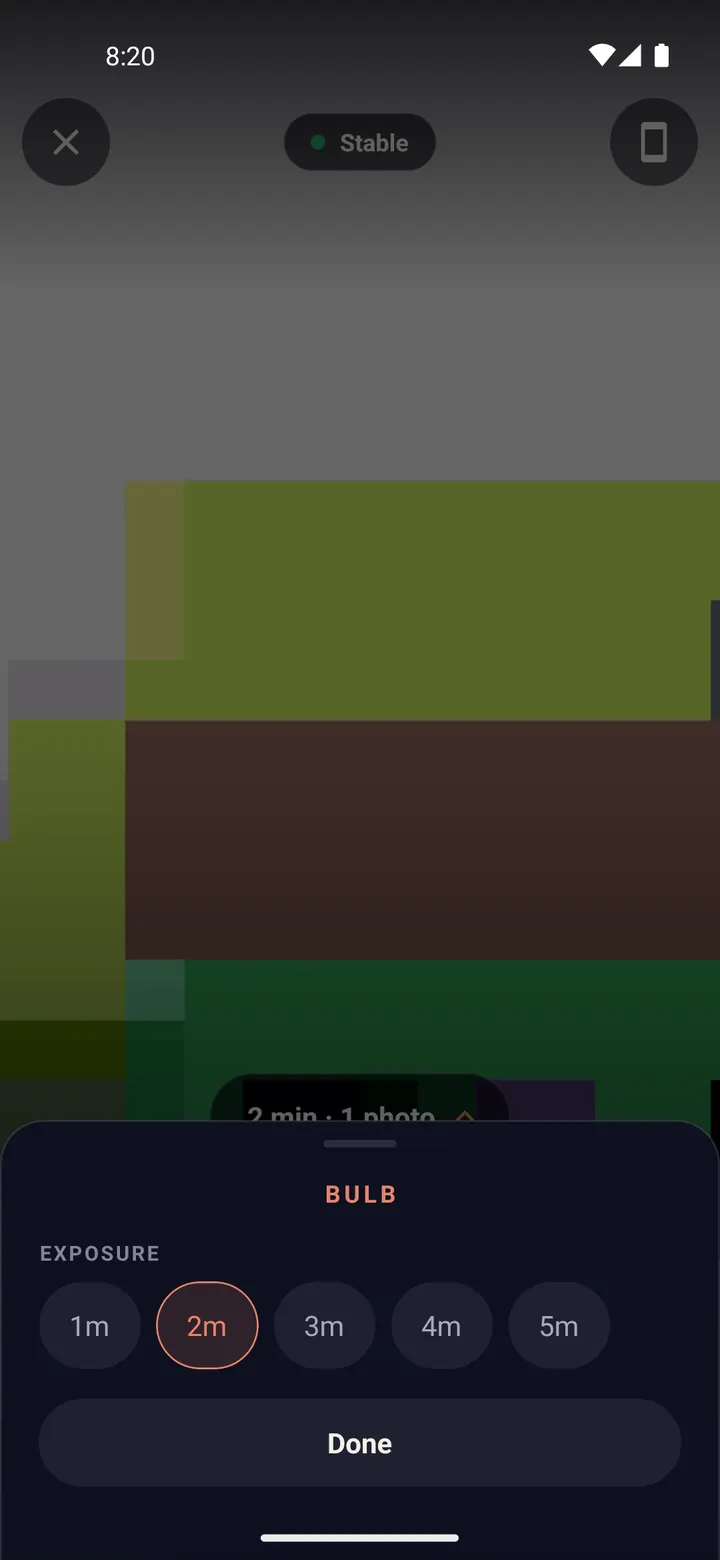
Swipe to "BULB" for a single smooth exposure of a set length: silky water, streaking clouds, or a lit scene.
Tap the options pill and pick the exposure, from 1 to 5 minutes. Put the phone down and tap the shutter.
Done? Try next
Create from your photos
Turn photos you already have into star trails
ReadTips and fixes
Tips and troubleshooting
ReadStart here
Your first star trails tonight
ReadSomething here does not match your screen? Tell us and we will fix the guide.