Plan with the sky5 min read6 steps
Find planets, stars and galaxies with Tonight's Sky
A live sky for your location: tonight's best sights, simple directions, and what you will really see.
Step 1/6
Open Tonight's Sky
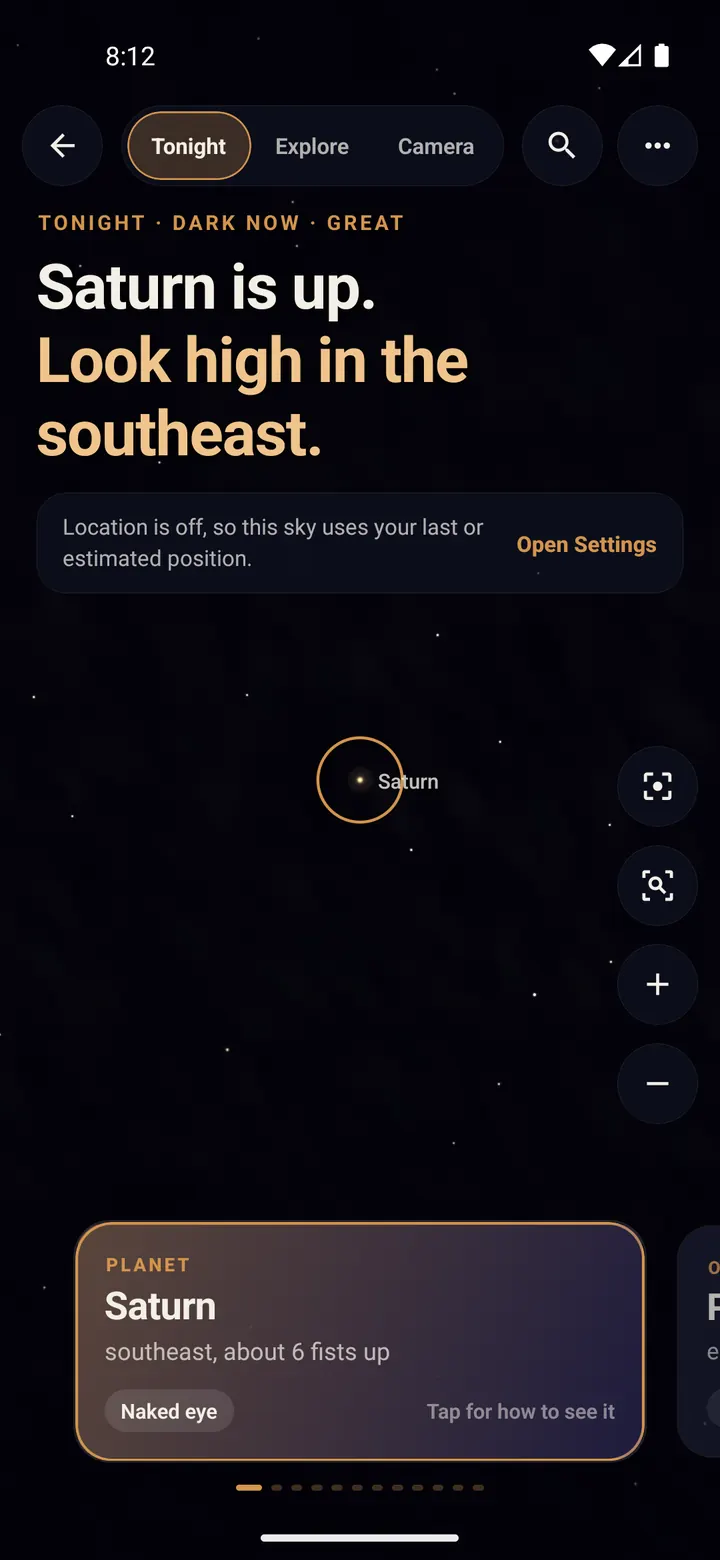
On the home screen, tap "Tonight's Sky". The screen becomes the sky above you, right now.
The headline names tonight's best sight and where to look, for example "Saturn is up. Look high in the southeast."
Allow location so the sky matches where you are. Without it Trailium uses your last known position.
Step 2/6
Swipe the cards for tonight's picks
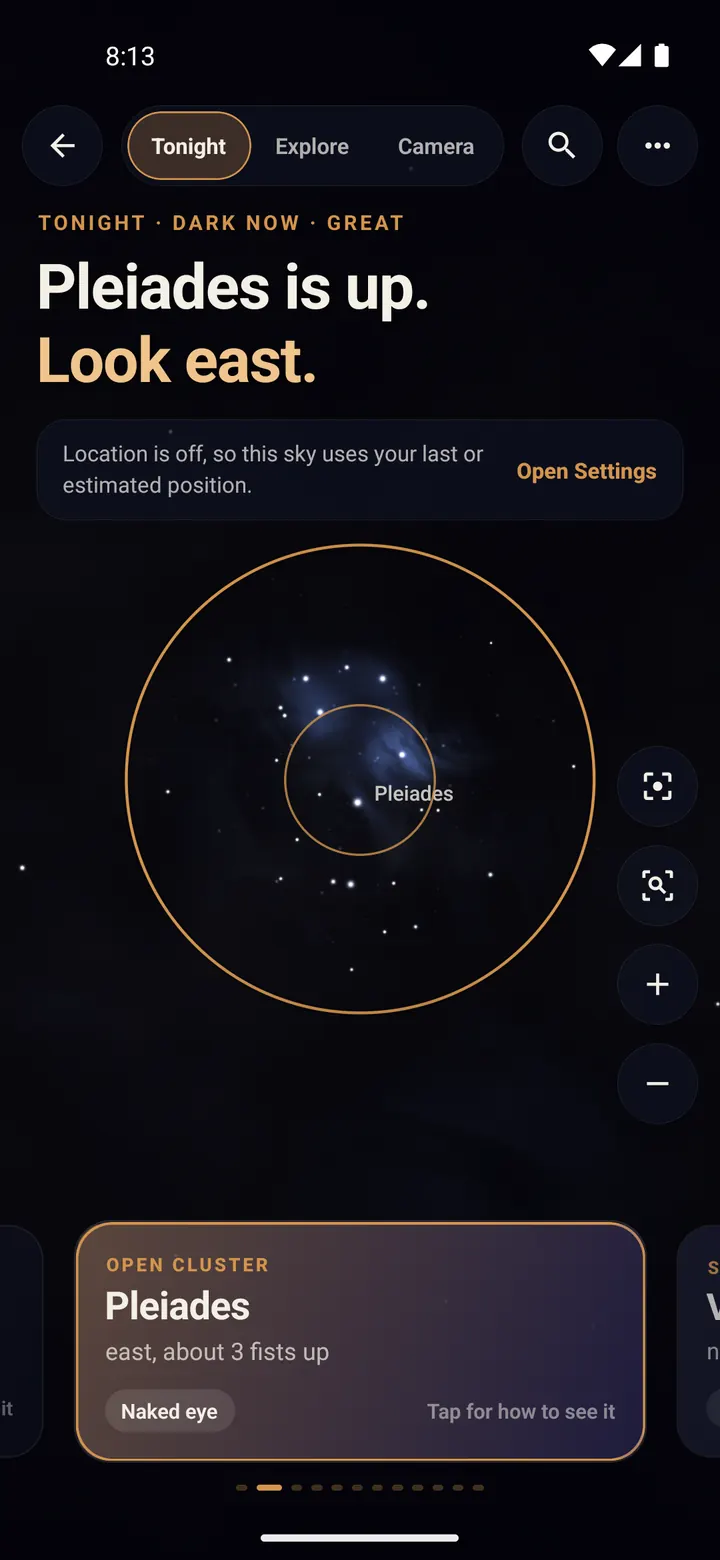
The cards at the bottom are tonight's best targets: planets, the Moon, bright galaxies and clusters, and an easy constellation.
Swipe sideways and the sky turns to show each one.
Step 3/6
Tap a card to learn how to find it
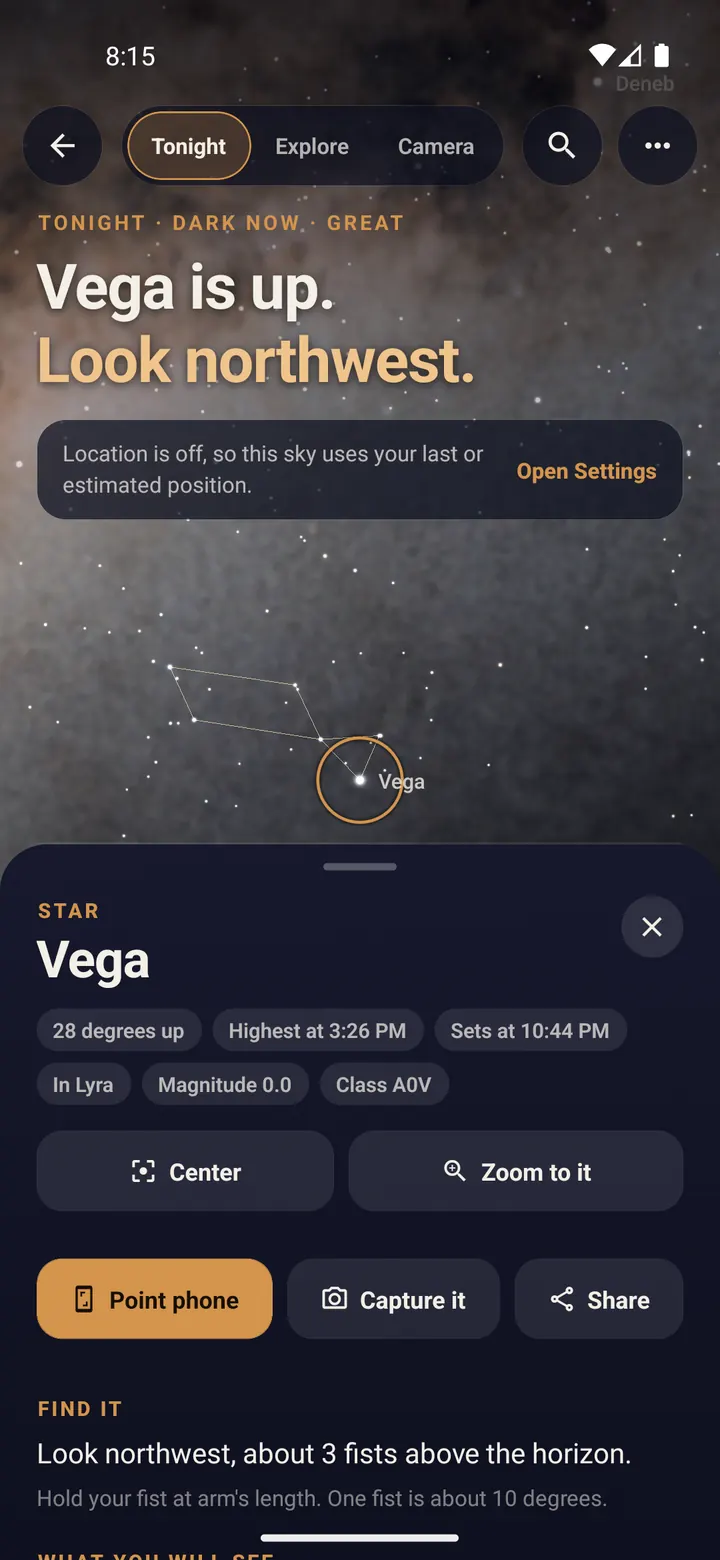
Tap a card. It rises with plain directions, like "Look northwest, about 3 fists above the horizon". Hold your fist at arm's length: one fist is about 10 degrees.
Scroll down for what you will see by eye, with binoculars and with a small telescope, and the best time to look.
"Center" and "Zoom to it" move the view; "Capture it" opens Capture ready for that object.
Step 4/6
Tap a constellation
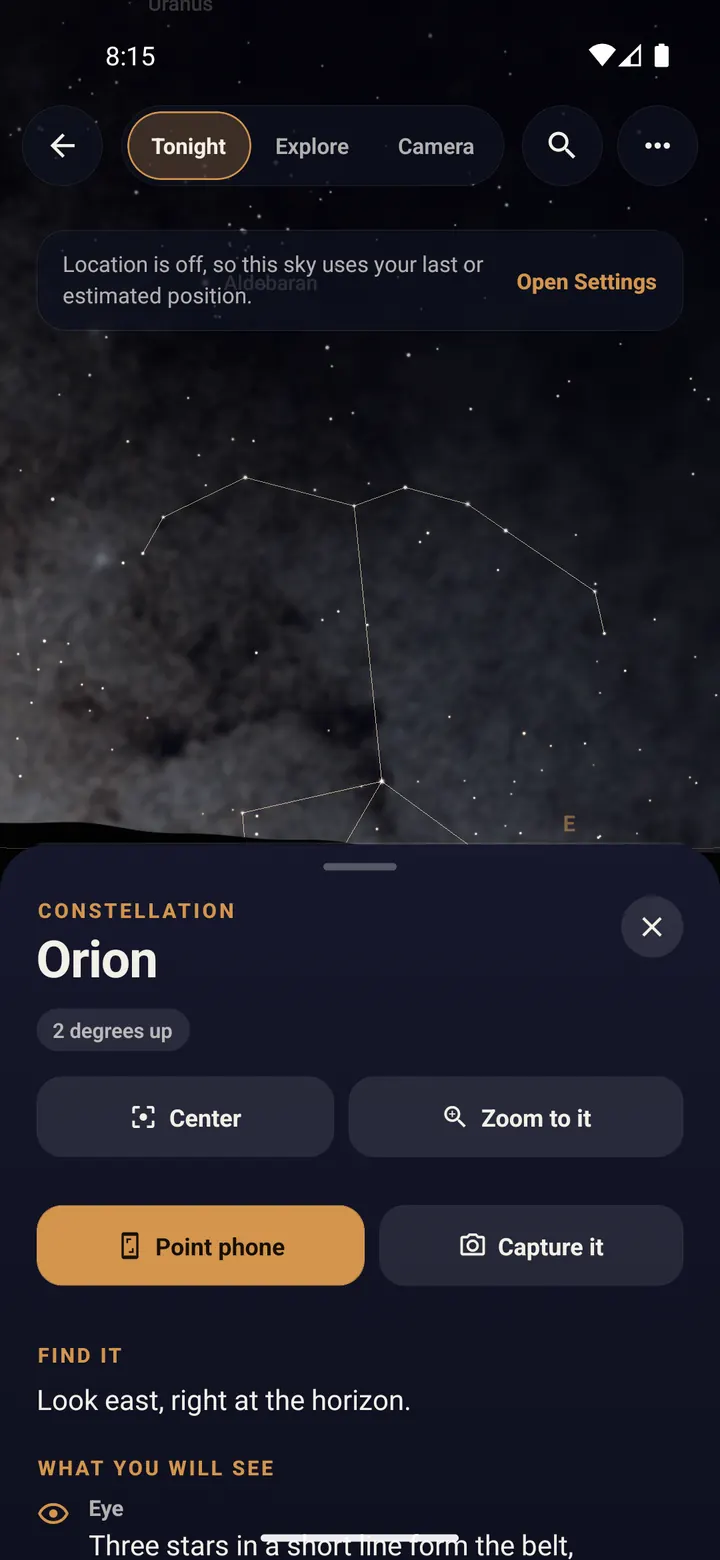
Pick an easy constellation from the cards, or tap a constellation name. Its lines draw in so you can see the whole shape.
Step 5/6
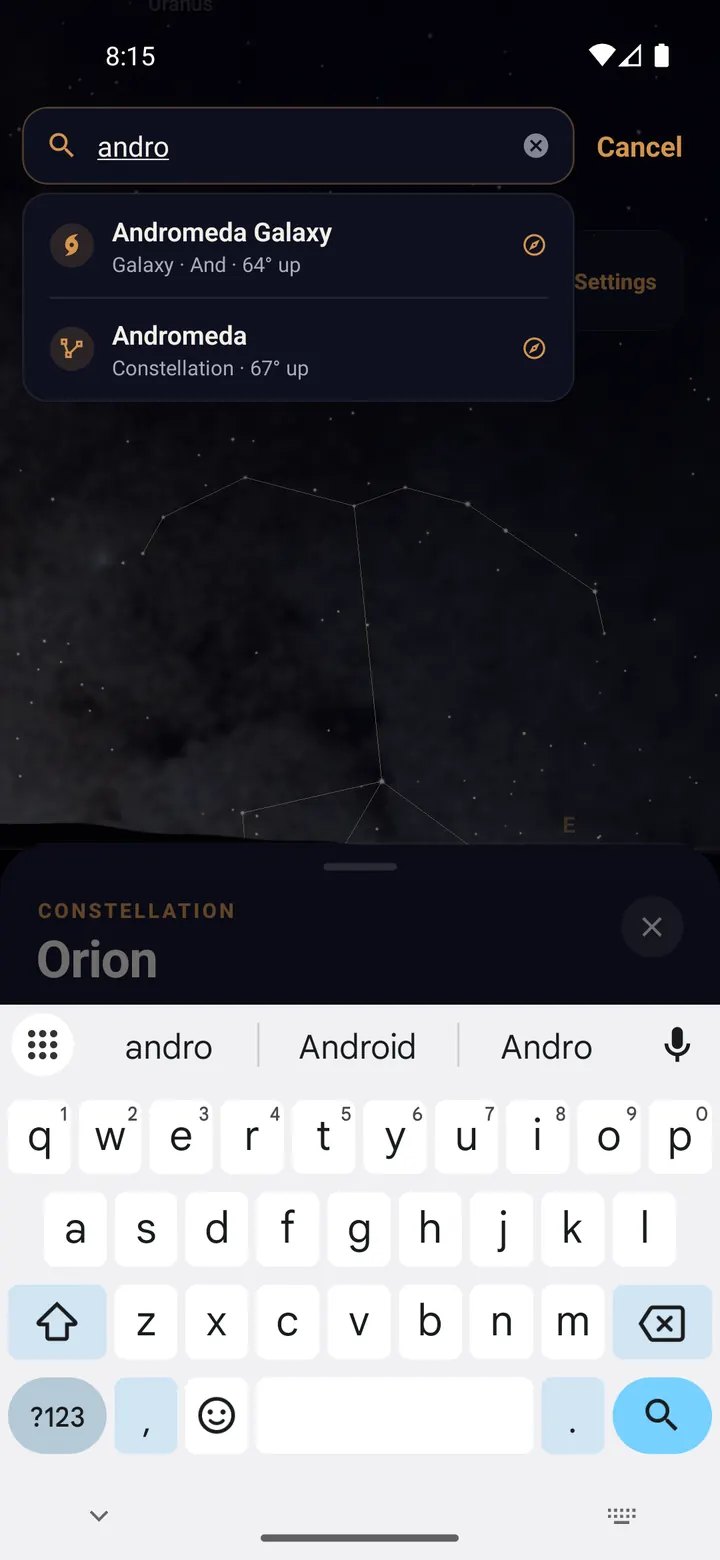
Search for anything
Tap the magnifying glass and type a planet, star, constellation or Messier number (for example M31). Tap a result and the sky flies there, even if it is below the horizon right now.
Step 6/6
Pinch to zoom
Pinch to zoom from the whole sky down to a single planet. Galaxies and nebulae show real photos when you get close; planets show their moons in their real positions.
Done? Try next
Plan with the sky
Point your phone at the sky
ReadPlan with the sky
Never miss a meteor shower
ReadStart here
Your first star trails tonight
ReadSomething here does not match your screen? Tell us and we will fix the guide.